
Help whoever finds them get them home
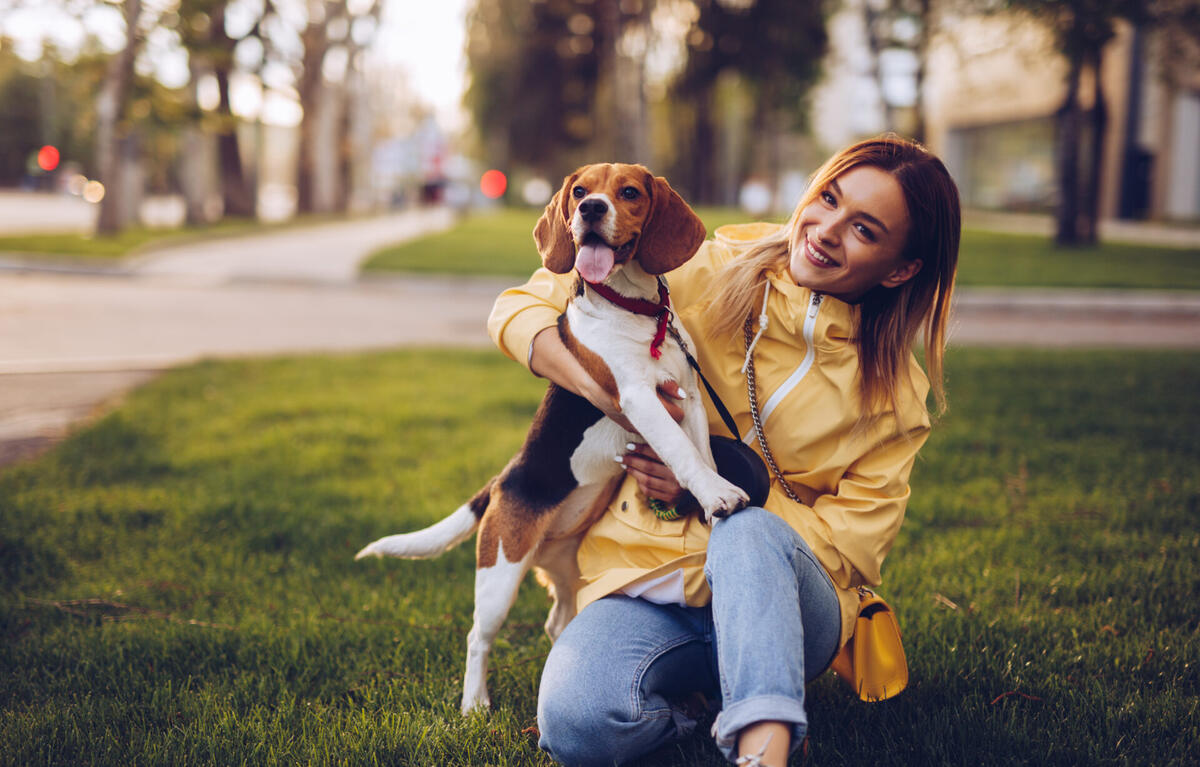
Put a QR code on a collar, a bag, a bike or a set of keys. Whoever finds them scans it and sees how to reach you, along with anything else they need to know.
 rex@@sam
What to put on it
What a kind stranger needs to know
- A photo and a few words So they know they’ve found the right dog, bag or bike.
- How to reach you A contact card with buttons to call or email.
- Anything important Medication, allergies or “please don’t chase me”.
- Your vet’s details In case they need to be seen before you can get there.
- A thank-you A note about a reward, if you’d like to offer one.
Why it helps
A tag that keeps up with you
-
One code, update it any time
New phone number or moving house? Change the page. The tag stays the same.
-
Know when it’s scanned
We can tell you each time your address is opened, so you hear the moment someone finds them.
-
Show only what you want
Keep your home address off the page, and switch items on and off whenever you like.
-
Pass it on
Selling the bike? Hand its tag over to the new owner on Standard and Plus.
-
One for everything
A code for the dog, the suitcase and the keys, each pointing at its own page.
-
No app needed
Any phone camera opens the page. The finder doesn’t need to download anything.
Getting started
Tagged in an evening
-
01
Claim your name
Your name or your family’s, like @@sam.
-
02
Make an address for each
rex@@sam, bike@@sam, keys@@sam: add a photo and how to reach you.
-
03
Print the QR codes
Download each code and print it on a tag, a label or a sticker. Point it somewhere new later if you need to.
A note for dog owners. By law, a dog out in public must wear a tag with its owner’s name and address. An Exaactly QR code is a handy extra alongside that tag, not a replacement for it.